 AIFind
The Complete Guide to Pictory AI (2026)
Affiliate Disclosure: This guide contains an affiliate link to Pictory. If you sign up through it, AIFind may earn a commission at no extra cost to you — this doesn't affect our editorial opinions, which are based on our own research. See our full disclosure policy.
Pictory is a text-to-video platform built around one core idea: you bring content you already have — a blog post, a script, a URL, a slide deck, a long recording — and it turns that into a polished, publish-ready video without filming or manual editing. It's a strong fit for marketers, educators, and creators who need to produce video regularly but don't have time for a traditional edit; it's a weaker fit for anyone who wants full manual control over every frame.
This guide covers the ground most single-feature reviews skip: how to actually turn a blog post into a video, how to build a faceless YouTube channel with it, how to repurpose long recordings into short clips, how it compares to a well-known alternative, and which of its plans actually fits your use case.
👉 Try Pictory today — use code TAiF20 at checkout on any annual plan for an extra 20% off (full breakdown in the Pricing section below).
What Pictory Actually Does
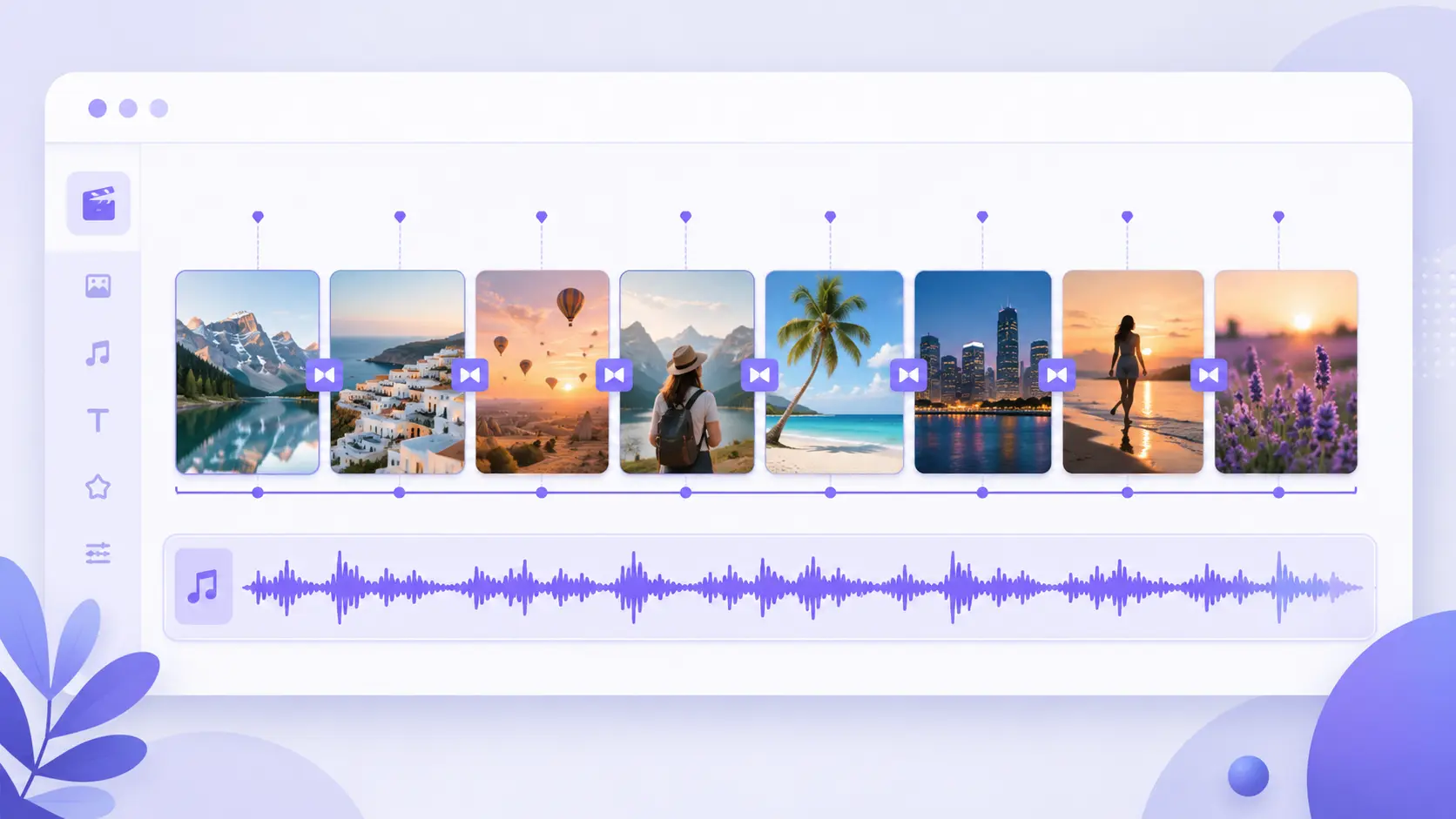
Pictory takes eight different starting points — text, scripts, ideas, PPTs, images, screen recordings, URLs, and existing video — and turns each into a structured video with AI-selected visuals, auto-captions, realistic AI voiceovers, and templates. Instead of opening a blank timeline, you start from content, and Pictory builds the scene structure, finds visuals from a library of 5-18 million Getty Images and Storyblocks assets (depending on plan), and hands back a video you can edit or publish directly.
Every plan includes automatic transcription and captions, text-based video editing (cut a video by editing the transcript instead of scrubbing a timeline), AI voiceovers, and the ability to resize and export one video for every major platform in 1080p — YouTube, TikTok, Instagram, and more, from a single source.
How to Turn a Blog Post Into a Video With Pictory
Pictory's URL to Video tool is built specifically for this. The actual workflow, confirmed on Pictory's own product page, is four steps:
- Copy or paste your URL — use the blog post, product page, or article link directly; no need to rewrite the content first.
- Choose format and tone — pick the video type (explainer, short, ad, course clip), platform target, and tone.
- Generate the script — Pictory's AI reads the page and produces a complete, structured script automatically.
- Edit or make the video — revise the generated script if needed, then turn it into a full video with AI-selected visuals, captions, and voiceover in one click.
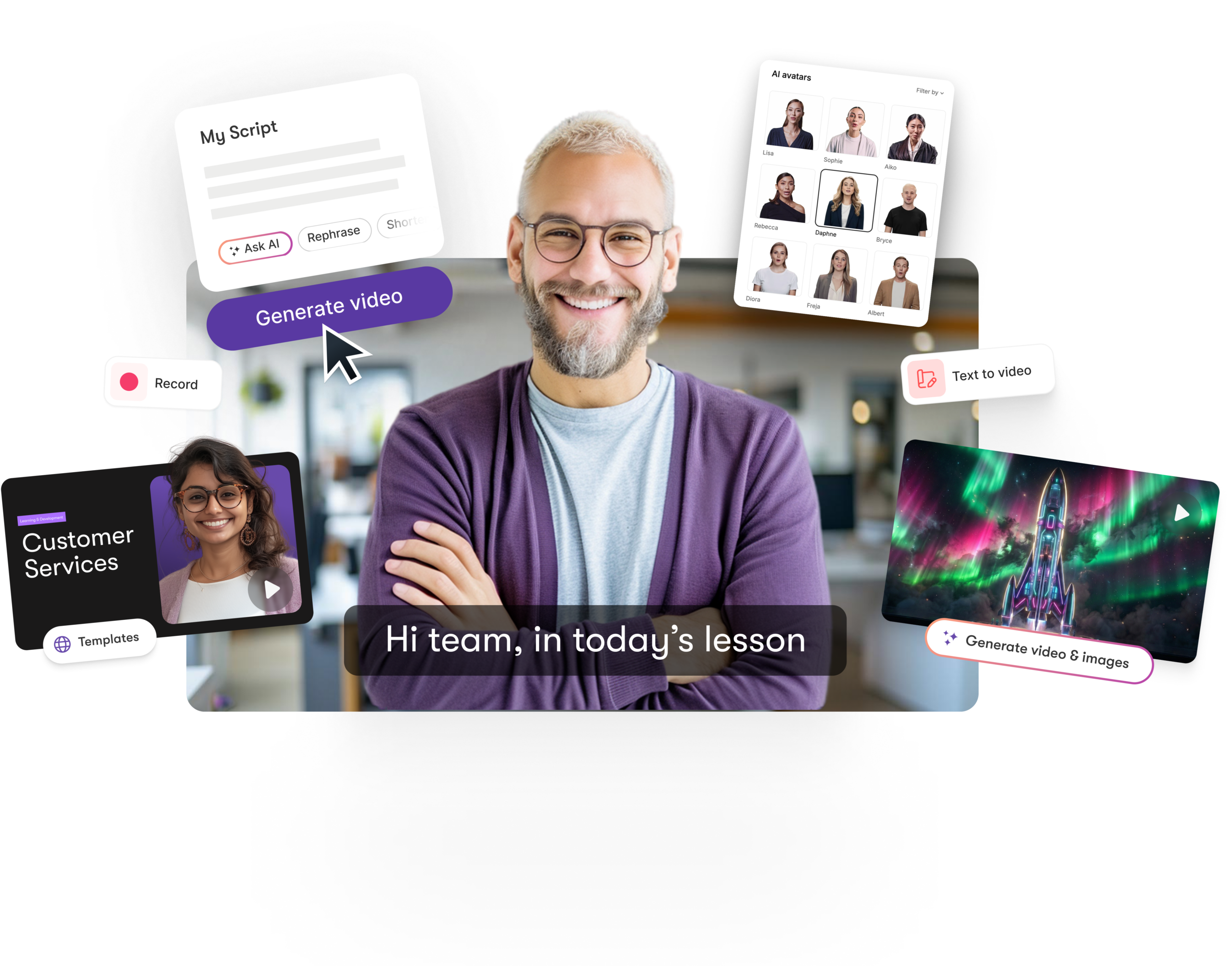
The result is a video structured around the actual argument of your blog post, not a generic template with your headline pasted on top — because the script comes from the AI reading and restructuring your real content, not a fill-in-the-blank format.
Building a Faceless YouTube Channel With Pictory
A faceless channel needs three things on repeat: a script, a narrator who isn't you on camera, and consistent editing — and Pictory covers all three from the same workflow.
- Script: use the AI Script Generator to turn an idea into a full video script, or feed in an existing article/URL as the source instead of writing from scratch.
- Narrator: Professional and Team plans include custom AI avatars (2 per user) alongside stock avatars available even on lower tiers, plus hyper-realistic ElevenLabs AI voices in 29 languages if you'd rather stay voice-only with B-roll and stock footage instead of an on-screen avatar.
- Consistency: Brand Kits (1 on Starter, up to 10 on Team) keep fonts, colors, and logo consistent across every video without resetting the template each time, and Smart Templates give you a repeatable structure for a recurring series.
A realistic starter loop looks like: write or generate a script → assign an AI avatar or voiceover → apply your saved Brand Kit template → export in 1080p vertical or horizontal depending on the channel format — repeatable for every new video without starting from a blank project.
Repurposing a Webinar, Podcast, or Long Video Into Short Clips
This is a Professional-tier feature specifically: video summarization of long videos, confirmed on Pictory's plan comparison as "automatic video highlights" available from Professional and up (Starter plans support editing but not the automatic highlight-extraction step). The workflow: upload a long recording (up to 60 minutes on Starter, up to 180 minutes on Professional/Team), and Pictory's text-based editor lets you cut it by editing the transcript, while the highlights feature can automatically surface the strongest moments as shorter, publish-ready segments — instead of manually scrubbing through an hour to find what's worth clipping.
Combined with the "repurpose once, publish everywhere" resizing feature, one long recording can become a landscape YouTube highlight reel, a square Instagram clip, and a vertical TikTok/Reels cut from the same source, without re-editing three separate times.
Pictory vs InVideo
The most common alternative people compare Pictory against is InVideo (not listed on AIFind, mentioned here for context only). The two solve a similar problem from different directions: Pictory starts from text or an existing recording and structures a video around it automatically, aimed at marketers and educators who want speed over manual control. InVideo has repositioned itself around AI editing agents that work on your own uploaded footage inside a real multitrack timeline — closer to an AI-assisted traditional editor than a text-to-video generator, aimed at creators who still want frame-level control but want an AI agent to handle repetitive cutting and matching across clips.
If your starting point is usually a script, blog post, or URL and you want a finished video fast, Pictory's workflow fits more directly. If your starting point is usually raw footage you've already filmed and you want AI help editing it rather than generating from scratch, InVideo's agent-based timeline is built for that instead.
Similar Tools Available on AIFind
If you want to compare more text-to-video and AI clipping options that are actually listed on AIFind, see Fliki (2,000+ AI voices, text-to-video), Syllaby (fully automated faceless video and AI avatars), and Renderforest (unlimited videos, images, and logos from one subscription).
How to Save Up to 52% on Pictory (Promo Code TAiF20)
Pictory's annual billing already prices every plan roughly 40% below its monthly rate — for example, Professional runs $59/mo billed monthly versus $35/mo billed annually. Stack code TAiF20 at checkout on top of that, and the combined saving comes out to as much as 52% off the regular monthly price.
| Billing | Discount | Example (Professional) |
|---|---|---|
| Monthly | None | $59/mo |
| Annual | ~40% off the monthly rate | $35/mo billed annually |
| Annual + code TAiF20 | Up to 52% off the monthly rate | Apply TAiF20 at checkout |
To claim it: pick annual billing on the Pictory pricing page, then enter code TAiF20 at checkout. The code applies to any paid annual plan, not just Professional.
Pictory Pricing Plans Explained (2026)
| Plan | Price | Standout Feature | Pros / Cons |
|---|---|---|---|
| Free | $0 | 15 video minutes, 50 PPT slides | ✓ No credit card required to test the core workflow ✗ 5-minute max video length, 720p only |
| Starter | $25/mo billed annually | 2,400 min/yr, 1 Brand Kit, 1,200 AI credits/yr | ✓ Real entry point for solo creators posting regularly ✗ No custom avatars or video summarization |
| Professional | $35/mo billed annually | 7,200 min/yr, custom avatars, video summarization | ✓ Unlocks the faceless-channel and repurposing workflows ✗ Still 1 user — no team collaboration |
| Team | $119/mo billed annually | 21,600 min/yr, 10 Brand Kits, shared workspace | ✓ Built for 3+ people producing video together ✗ Priced for teams, not solo creators |
Which plan actually fits:
- Solo content creator posting a few videos a week, mostly blog-to-video or script-to-video: Starter covers it — you don't need custom avatars or highlight extraction yet.
- Marketer or solo faceless-channel operator who wants AI avatars and to repurpose long recordings into clips: Professional is the plan that actually unlocks those two workflows — Starter alone can't do either.
- Business or agency producing video across multiple people with shared brand assets: Team, for the shared workspace and 10 Brand Kits; Enterprise only if you need SSO, SCORM export for an LMS, or Pictory Central's interactive video hosting.
Quick Review — Pictory
- ✅ Pros: Converts many source formats (scripts, blogs, PPTs, URLs, images, recordings) into video, not just text prompts
- ❌ Cons: Custom avatars and video summarization (the faceless-channel and repurposing workflows) require the Professional tier or above
- 💰 Price: Free; Starter $25/mo; Professional $35/mo; Team $119/mo (billed annually); custom Enterprise
- 👤 Best for: Marketers, educators, and content teams who want to turn existing text, scripts, presentations, or long recordings into short, polished videos without filming or manual editing
FAQ
Is there a discount code for Pictory? Yes — code TAiF20 takes an extra 20% off any annual plan at checkout, on top of the roughly 40% Pictory already offers for annual billing, for up to 52% total savings off the monthly rate.
Can Pictory really turn any blog post into a video automatically? Yes — its URL to Video tool reads the page directly, generates a structured script, then builds a video with AI-selected visuals, captions, and voiceover from that script in a few steps.
Do I need the Professional plan for a faceless YouTube channel? Not strictly — stock avatars and voiceovers are available on lower tiers — but custom AI avatars, which most real faceless channels rely on for a consistent presenter, require Professional or above.
Does the video-highlights feature work on any recording, or just podcasts? It works on general long recordings, not podcast audio specifically — webinars, meeting recordings, and long-form video all qualify, up to 180 minutes on Professional and Team plans.
Is Pictory better than InVideo? Neither is strictly better — they solve different starting points. Pictory is built to generate video from text/URLs quickly; InVideo is built around AI-assisted editing of footage you've already filmed.
See more picks in the Best AI Video Generation Tools collection on AIFind.
This page may contain affiliate links — AIFind may earn a commission if you sign up through them, at no extra cost to you. See our affiliate disclosure for details.

Paul
Founder & Editor, AIFind
Paul is an experienced Human Resources professional with a background in applying technology, data analytics, and workflow optimization to HR management. Outside his corporate HR career, he's a seasoned content creator and digital entrepreneur: he built a YouTube channel to 60,000+ subscribers over 10 years, ran a print-on-demand e-commerce business on platforms like GearBubble, and actively uses AI tools and automation in both his own projects and enterprise work — the hands-on experience behind AIFind's tool research and reviews.